

NetSuite QuickStart is a free, AI-assisted finance and accounting platform from Oracle NetSuite forearly-stage technology startups.
The system simplifies bookkeeping, bank reconciliation, bill pay, invoicing, subscription billing, inventory tracking, and startup metrics such as MRR, burn rate, and runway.
Oracle NetSuite announced it as a starting point for founders who have no finance team and want to set up a financial system without a traditional sales and implementation process.
QuickStart is separate from Oracle NetSuite’s full ERP product. It is supposed to be the first step in a path that continues into NetSuite ERP when a company grows more complex, with data, configuration, and financial history carried over.
As above, the system is suited to:
As of October 2026, the vendor is not targeting organizations outside the technology sector and has said it is focused on this segment for now.
Setup is self-service. Users can upload a business plan or investor deck, or point QuickStart at their website, and the AI uses that information to configure the account for their type of business.
A user can connect a bank account, send a first invoice, and view their finances in under 10 minutes. They can also import data, add custom fields and segments.
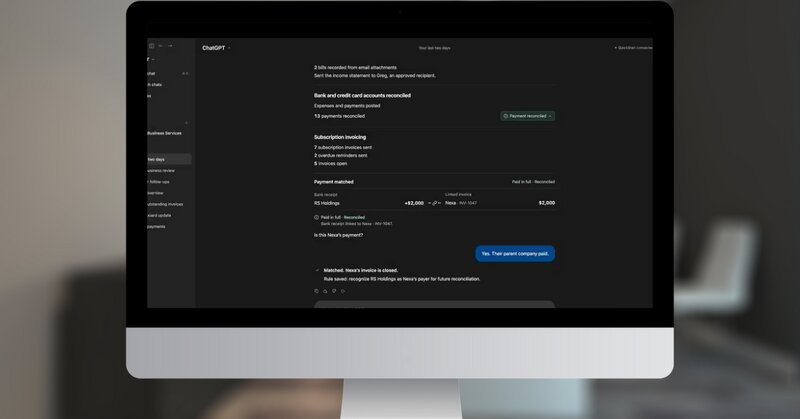
QuickStart uses AI for transaction matching, expense categorization, and bill capture. Users choose how much autonomy the AI has. They can limit it to suggestions, or let it make decisions on its own as they grow comfortable with it.
The vendor says AI decisions can be reversed, and an audit log records user and AI activity, including the questions asked, the tools called, and the actions taken.
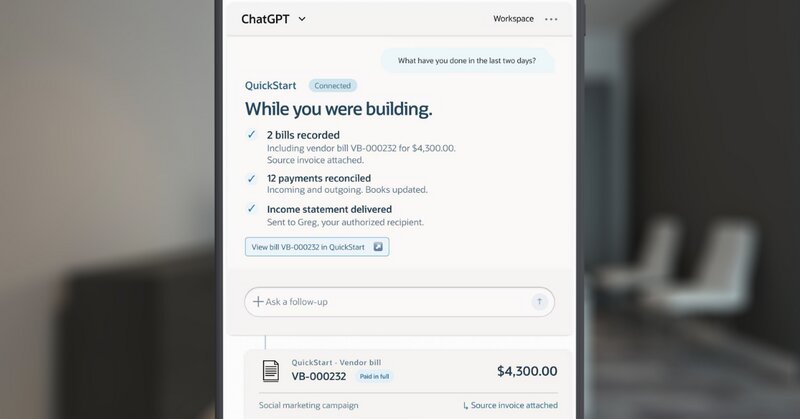
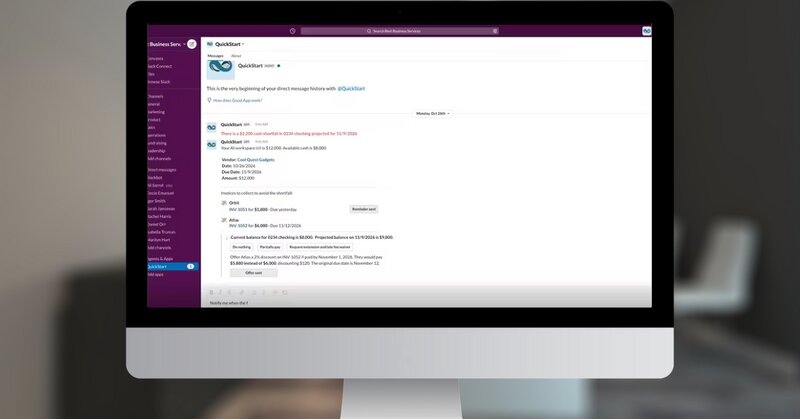
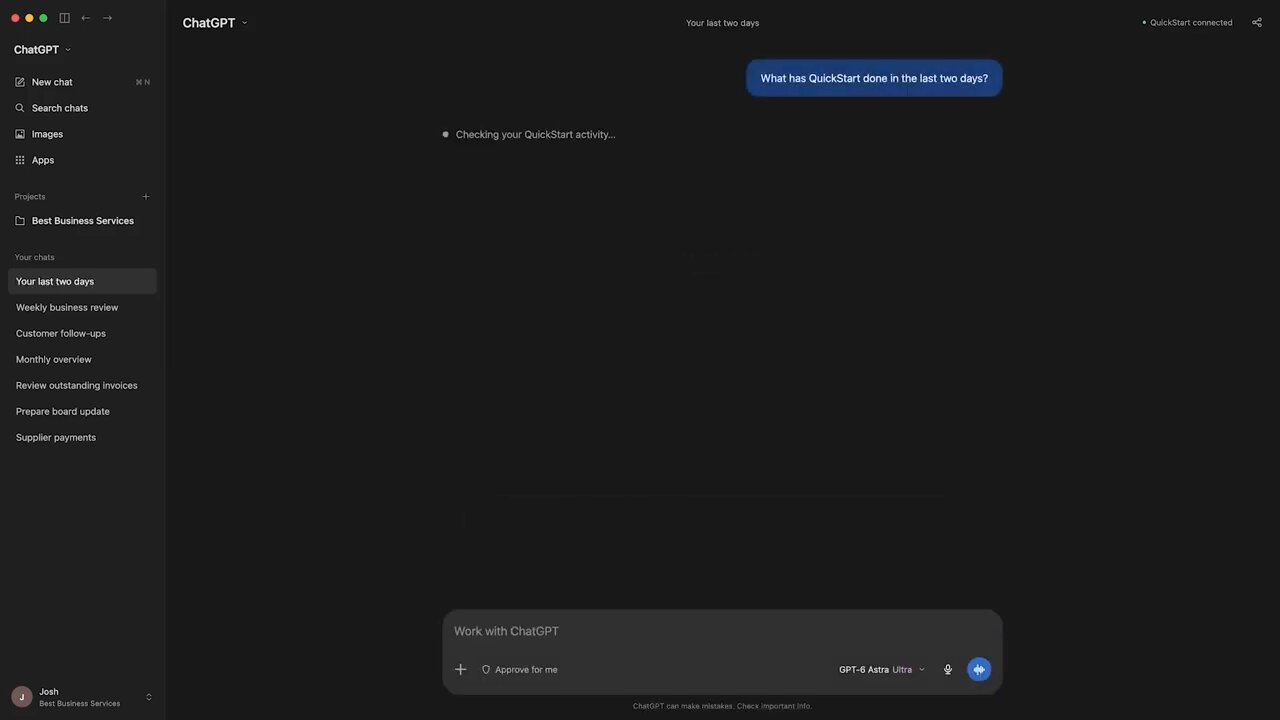
When the AI is unsure or sees something unusual, it can notify the founder through Slack, SMS, email, or the AI tool the founder already uses. An embedded assistant called Ask Oracle lets users ask plain-language questions, such as who owes them money or what their cash position will look like in two weeks.
QuickStart functions through a Model Context Protocol (MCP) server. Users can query and act on their finances from ChatGPT or Claude, as well as the web app and Slack. The MCP connection covers record creation and other actions, not only reports and queries.
Users set the access level when they connect an outside AI tool; options include OAuth or token-based authentication, and read-only or read-write permissions.
While QuickStart runs on Oracle Cloud Infrastructure and falls under Oracle’s security and compliance organization, those handling sensitive financial data should still review the permission settings and Oracle’s security documentation before granting an outside AI tool write access.

Download exclusive feature and pricing data with your free extended profile of NetSuite QuickStart .
DownloadUpdate the NetSuite QuickStart profile with your latest feature, screenshots and pricing to reach more buyers. Click the link below to get started.
Update this profile
Oracle NetSuite launches 'QuickStart' ERP

Key insights on CMMC compliance, deadlines, and securing DoD contracts with CMMC 2.0 certificatio...
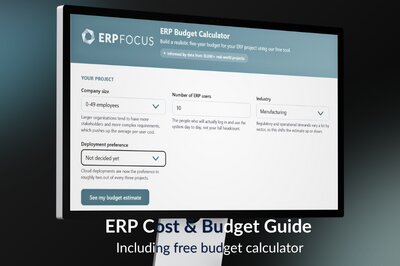
How much does an ERP system cost? Everything you need to make an ERP software budget
Pricing Guide

Download your pricing guide by completing the form below.
Price Quote
Complete the form below to access a video demo of this software.
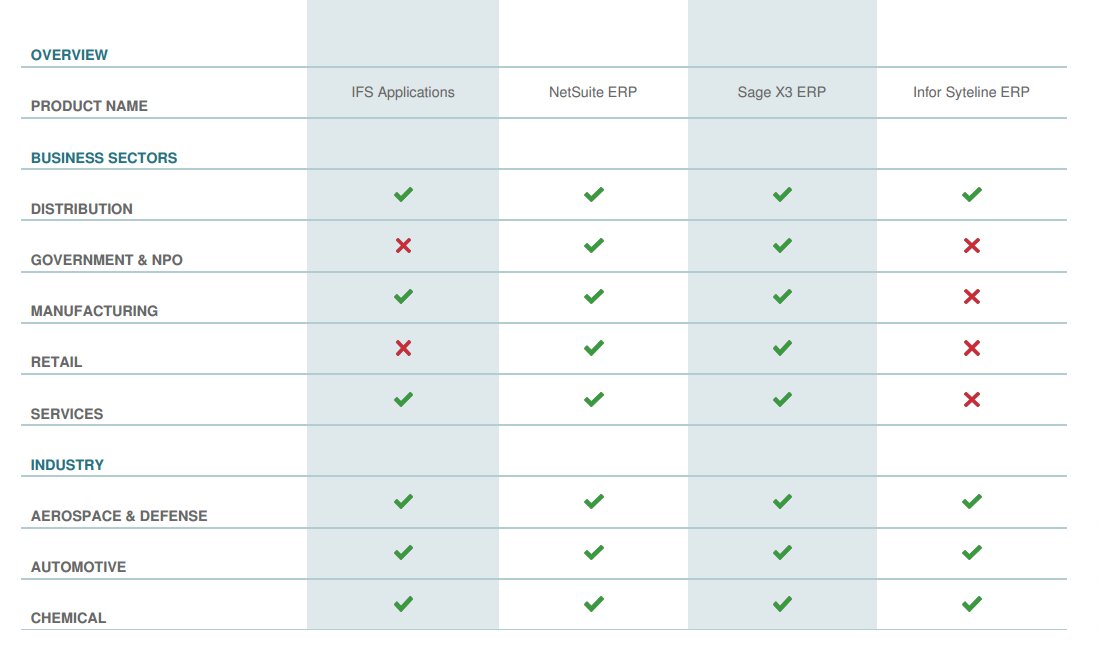
Other Users often Compare these Four Solutions
Download your bespoke report in a single pdf.
Extended Software Profile
Get your extended software profile by completing the form below.
Extended Software Profile